Skip to main contentEngineering Courses, Mentoring & Jobs | EveryEng
Design an Airfoil in Solidworks banner

Design an Airfoil in Solidworks

4 enrolled

Design an Airfoil in Solidworks banner
Self-paced Beginner

Design an Airfoil in Solidworks

4(1419)
4 enrolled
4345 views
₹ 99
5 min
Anytime
English
Team EveryEng
Team EveryEngMechanical Engineering
  • 7-day money-back guarantee
  • Lifetime access
  • Certificate of completion
Volume pricing for groups of 5+

Why enroll

By the end of the Airfoil Design in SolidWorks course, participants will have the expertise to design, analyze, and optimize airfoils using SolidWorks. They will be capable of applying their knowledge to contribute effectively to aerodynamic design projects and simulations, ensuring optimal performance and efficiency.Enroll today to gain hands-on experience and expertise in airfoil design with SolidWorks, preparing yourself for exciting opportunities in aerospace, automotive, and renewable energy industries!

Is this course for you?

You should take this if

  • You work in Aerospace
  • You're a Mechanical professional
  • You prefer self-paced learning you can revisit

You should skip if

  • You need a different specialisation outside Mechanical
  • You need live interaction with an instructor

Course details

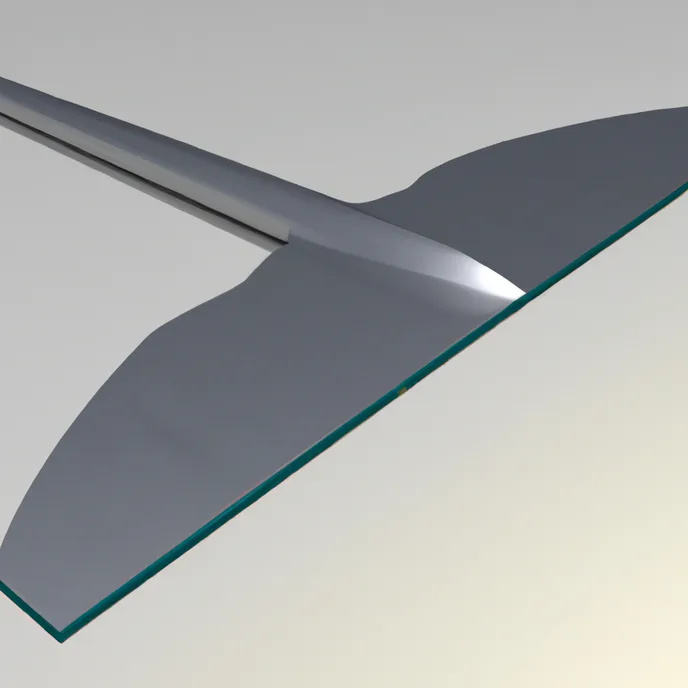
The Airfoil Design in SolidWorks course teaches participants how to design and model airfoil shapes using SolidWorks, a widely used 3D CAD software. Airfoils play an important role in aerodynamic applications such as aircraft wings, turbine blades, and automotive components. In this course, learners will first understand the basic principles of airfoil design and how airflows interact with different shapes. Participants will then learn how to create accurate airfoil profiles using SolidWorks sketching and modeling tools. The course also covers methods to import airfoil data and generate smooth curves for precise designs. Learners will practice building 3D airfoil models and exploring their structural and aerodynamic features. Basic analysis techniques are introduced to evaluate performance and efficiency. Step-by-step demonstrations help participants gain practical design experience. By the end of the course, learners will be able to create professional airfoil models for engineering applications. This course is ideal for students, engineers, and anyone interested in aerodynamic design using SolidWorks.

Course suitable for

Key topics covered

  • Learn to create an airfoil design in solidworks.

Course content

The course is readily available, allowing learners to start and complete it at their own pace.

1 lectures5 min

Opportunities that await you!

Skills & tools you'll gain

SolidWorks

Career opportunities

₹99

Access anytime

Questions and Answers

Q: You're at the MRO bench validating a CAD before release, searching "SolidWorks airfoil sketch not matching coordinate file". The airfoil spline was imported from a CSV of X-Y points and extruded. Before you sign the model for downstream stress work, what do you verify first on the physical geometry?

A: Governing principle: Geometry continuity is a prerequisite for any downstream validity. Here, a non-closed spline at the trailing edge silently breaks section integrity and propagates errors into meshing, CAM, and mass properties. You catch that before checking ratios or weights. Option C traps engineers who jump to performance metrics without first confirming the profile is topologically sound.