
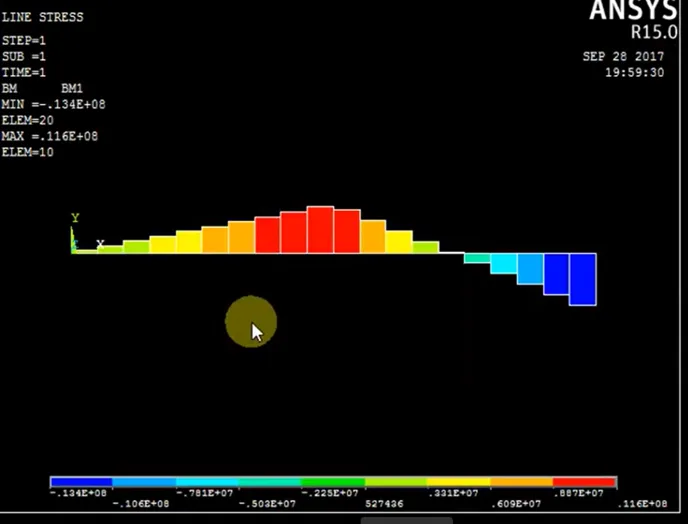
SFD & BMD (Simply Supported Beam) In ANSYS
6 enrolled
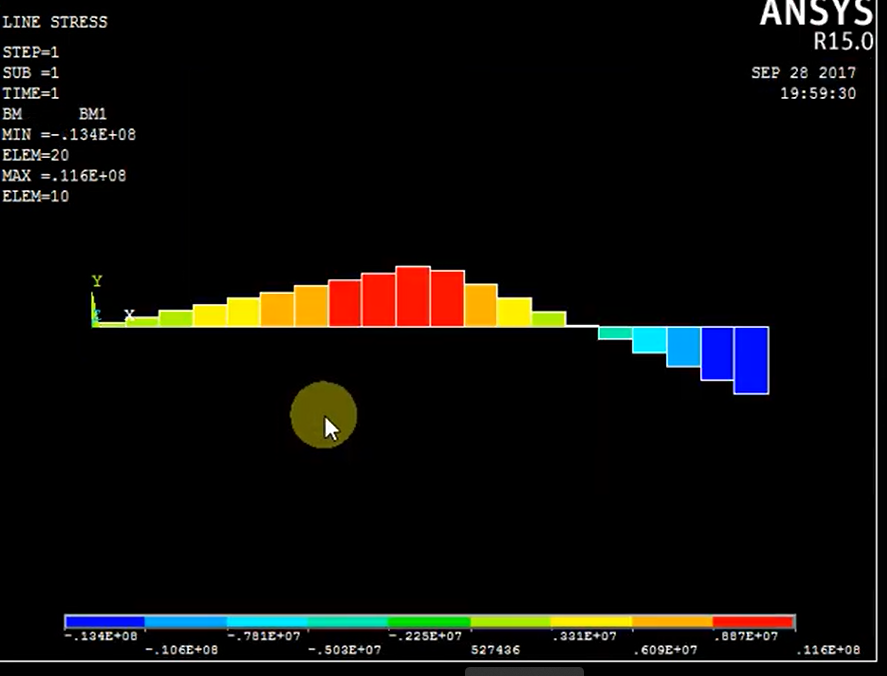
SFD & BMD (Simply Supported Beam) In ANSYS

- Lifetime access
- Certificate of completion
- Foundational Learning
- Access to Study Materials
Why enroll
Is this course for you?
You should take this if
- You work in Aerospace or Automotive
- You're a Mechanical professional
- You prefer self-paced learning you can revisit
You should skip if
- You need a different specialisation outside Mechanical
- You need live interaction with an instructor
Course details
Course suitable for
Key topics covered
Course content
The course is readily available, allowing learners to start and complete it at their own pace.
Opportunities that await you!
Skills & tools you'll gain
Career opportunities
Our Alumni Work At
Why people choose EveryEng
Industry-aligned courses, expert training, hands-on learning, recognized certifications, and job opportunities-all in a flexible and supportive environment.
What learners say about this course

.

Coming into this course, I had some prior exposure to the subject. From a senior engineer’s standpoint, the material sits at a beginner level, but it still covered fundamentals that show up in real work. The treatment of the 1D heat equation mapped well to automotive thermal problems like brake rotor cooling and battery thermal management. Similar discretization issues come up in aerospace when approximating diffusion terms in preliminary CFD for wing or avionics bay heat transfer. One challenge was keeping the stability criteria straight, especially around time-step selection and CFL-like limits. That’s an area where simplified examples can hide edge cases; in production codes, violating those limits can quietly corrupt results rather than blow up. Boundary condition handling was another spot where small implementation choices had outsized effects, which mirrors what happens in industry solvers. Compared with commercial tools, the Python implementations are obviously stripped down, but that’s also the point. A practical takeaway was learning how grid spacing and time-step choices interact, and how to sanity-check results before trusting a contour plot. At a system level, that discipline matters when these models feed larger vehicle or aircraft simulations. The content felt aligned with practical engineering demands.

Initially, I wasn’t sure what to expect from this course, especially given the beginner label and how abstract finite difference methods can feel at first. The material ended up being more grounded than expected. The sections on discretizing the heat equation mapped cleanly to problems I’ve seen in automotive thermal management, like estimating temperature gradients in battery packs, and the vibration examples echoed basic aerospace structural dynamics work. One challenge was keeping track of stability limits when moving from the math to Python. It’s easy to write a solver that “runs” but quietly violates a CFL-type condition and gives misleading results. The course didn’t hide those edge cases, which was helpful, even if it meant backtracking a few times. What stood out was the emphasis on boundary conditions and grid resolution. In industry, we lean heavily on commercial FEM or CFD tools, but this course reinforced why those solvers behave the way they do, and where they can mislead at a system level. A practical takeaway was building a simple 1D transient heat solver and learning quick sanity checks before trusting the output. Overall, it felt grounded in real engineering practice.

Coming into this course, I had some prior exposure to the subject, mostly from seeing finite difference schemes buried inside larger tools. What was missing was a clear sense of how the equations actually turn into code. This course helped close that gap. The examples around 1D heat conduction translated well to an automotive context, especially thinking about temperature gradients in an engine block during warm-up. On the aerospace side, the discussion on spatial discretization and stability tied directly to past work I’ve done looking at simplified airflow and boundary-layer behavior on airfoils. Seeing how those problems are set up from scratch in Python was useful, not just academically. One real challenge was wrapping my head around stability limits and time step selection. The CFL condition tripped me up at first, and a couple of my early scripts blew up before I understood why. Working through that pain made the lessons stick. A practical takeaway was learning how to quickly prototype and sanity-check a finite difference solver instead of treating it like a black box. That’s already helping when reviewing simulation assumptions at work. The content felt aligned with practical engineering demands.
